

App Comparison
Budy vs JEFIT: choose how your workouts are planned and changed
Quick answer
JEFIT offers custom routines, Adaptive Plan, and periodization for routines you build yourself. Budy supports contextual AI workout planning and plan-aware Coach questions. Choose by the work you want help with: selecting exercises, updating targets, or reviewing changes to your week. If your current JEFIT setup already solves that job, AI planning alone is not a reason to switch.
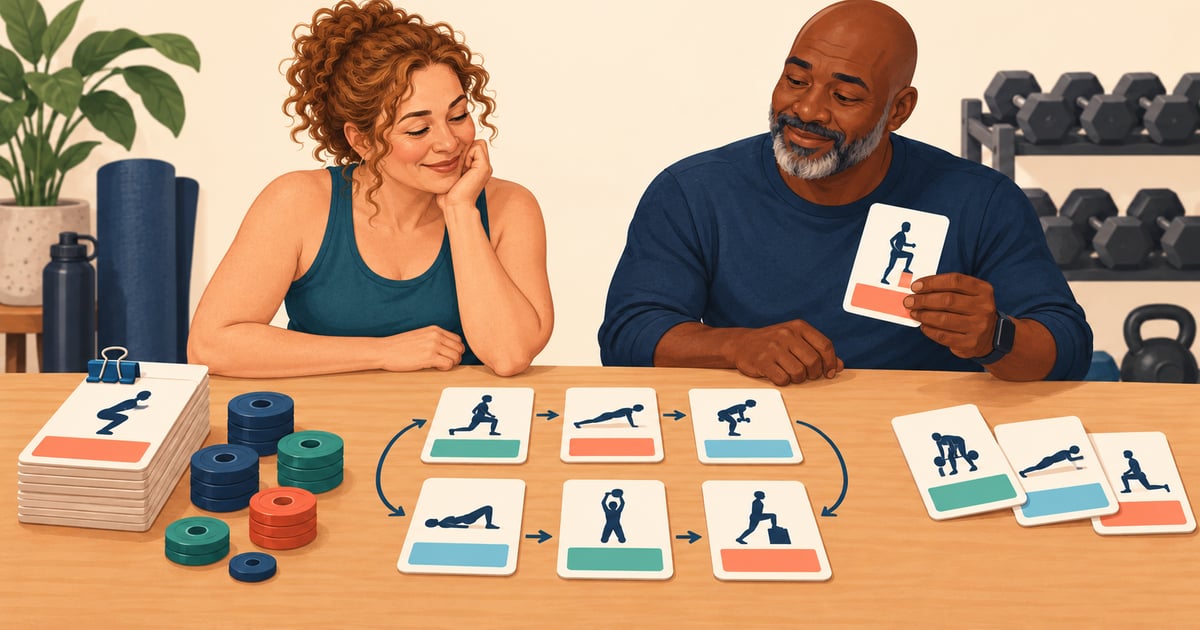


Budy-authored comparison of official descriptions checked October 26, 2026. Our criteria are planning control, workout execution, record continuity, and feature access. We have not independently tested these apps or compared their training outcomes.
JEFIT has three planning paths to compare
JEFIT is more than a manual routine builder. Its iOS listing and Android listing describe custom workouts, built-in programs, workout logging, and an AI-powered Adaptive Plan based on goal, level, and equipment. The listings place Adaptive AI Coach among the Elite features; free installation does not establish free access to every planning tool.
JEFIT also documents periodization on your own plan: you retain your exercise selection and order while the system adjusts weight and rep targets across training phases. Its Adaptive Plan chooses the routine as well. These are different ways to use the product, not evidence that every JEFIT user must program everything manually.
Start with the job you already have covered. A routine you like plus target assistance may be enough. If selecting the exercises is the missing piece, compare the generated plan itself. JEFIT’s Adaptive Plan page describes ongoing updates from logged training; treat those as product descriptions, not a guarantee against plateaus.
What to verify when JEFIT sources describe different rollouts
At this review, JEFIT’s general FAQ still labels mesocycle adaptation as a future rollout stage. Its dated iOS release history gives more specific evidence: version 17.2.5, September 30, 2026, says periodization is fully live on iOS. The current store descriptions also advertise Adaptive Plan. The older stage wording is not a sound basis for calling JEFIT manual-only.
Check your installed version, account access, and selected mode. The Android listing advertises Adaptive Plan, but an iOS release note does not prove identical controls or rollout timing on Android. If a required option is missing, ask JEFIT support about that specific feature before paying or rebuilding your routine.
Where Budy may add useful planning support
The Budy App Store description documents workout planning from personal context, logs, demonstrations, exercise swaps, and plan-aware AI Coach guidance. Its version history describes previewing proposed changes before applying them. See the product walkthrough and Coach workflow for the documented handoff.
Consider Budy if you want to discuss a shorter session, changed equipment, or a missed day in the context of your plan. Review the proposed edit and inspect the saved workout afterward. Supported actions, regeneration limits, and nutrition access depend on app version, platform, and subscription. This does not establish that every change is automatic or that Budy matches JEFIT’s exact load-progression rules.
Budy also connects workout planning with nutrition support. Include that in the decision only if you will use it. If you mainly want to keep a familiar lifting routine and its records, a broader planning workflow may add no useful benefit.
Compare one familiar workout and one real change
Keep your existing records. Choose a familiar workout and write down its exercise variations, order, working-set targets, units, and rest settings. In each app, check how you find the previous result, correct a logged set, and save the session. This is a workflow comparison, not a prescribed workout or a claim that we performed the test.
Then choose a realistic change, such as an unavailable cable machine or a shorter visit. Note which decision you want help with: a substitute exercise, different targets, or another place in the week. Inspect what changed, why it changed, and whether later sessions still fit. Do not assume a new target and a new exercise mean the same thing.
For example, a different machine may use a different load scale. Preserve the exercise name, equipment, units, and variation before comparing records; a higher displayed number on different equipment does not by itself establish progress. With Budy, review exercise alternatives before accepting them. Keep your current setup if the alternative creates more work than it resolves.
Check access and records before switching
List the features you actually need, then verify them in each app’s current offer. Record the amount due today, billing period, renewal, cancellation route, and any trial eligibility. Compare the same time period and included tools. Use Budy’s pricing and access guide and the linked store checkout; this page does not establish a universal free trial or a lower price.
Do not delete your old log while evaluating another app. Keep a copy of the records you need and confirm any export or import path directly. Check custom exercises, units, notes, dates, and routine structure after a transfer; automatic compatibility between JEFIT and Budy is not established here. Ask Budy support about a specific requirement before relying on it.
Use your experience and constraints as context
Being over 30, 40, or 50 does not decide whether you need a tracker or a generated program. Compare your present experience, schedule, and support needs. If you are returning after a break, describe what you can currently do rather than treating an old personal record as today’s starting point.
For a stable, already-understood movement limitation, inspect the actual exercise and substitute. Intake questions and AI targets are not medical assessments or clearance. New or worsening pain, rehabilitation, recent surgery, and return-to-play decisions need the appropriate healthcare professional. Budy is general fitness and nutrition guidance; the injury-aware guide explains these boundaries.
Best fit and limits
Best for
- Comparing documented workflows, planning control, access, and switching requirements.
- Considering Budy when contextual planning or AI Coach support is an unmet need.
Not the right fit for
- A tested ranking of training results or a promise that one app is better for every beginner.
- Medical assessment, rehabilitation, or live technique supervision.
Frequently asked questions
Does JEFIT generate workout plans?
Yes. JEFIT’s current official descriptions include Adaptive Plan as well as custom routines and built-in programs. Compare the selected mode and its subscription access rather than treating JEFIT as manual-only.
Can JEFIT adjust targets without replacing my routine?
JEFIT documents periodization for user-built plans: the exercise list stays yours while weight and rep targets change across phases. Verify access and the controls on your installed version.
Why consider Budy if JEFIT already has Adaptive Plan?
Consider Budy when contextual planning, plan-aware AI Coach questions, reviewed changes, or connected nutrition support solve an unmet need. A feature label alone is not a reason to replace a setup that already works for you.
Will my JEFIT history transfer automatically to Budy?
This comparison does not establish automatic transfer or full record compatibility. Keep your current log, confirm the available transfer path with support, and check exercise variations, units, dates, notes, and routines before relying on a new record.
Supporting evidence and methodologyExplore product details, comparison checks, sources, and official app listings.
Published by Budy. Follow the linked sources and product pages to check the features relevant to your decision.
Why Budy fits this need
Compare the decisions you want to keep and the help you need.
Keep your exercise choices
Already following a routine you trust? Check whether you need better logging or target suggestions before replacing the program.
Delegate the workout plan
If you want an app to select sessions, inspect the actual exercises, equipment, time, and next-week changes rather than choosing by an AI label.
Review a change to your week
Separate moving a workout from changing its exercises or targets. Confirm the exact saved change and what happens to later sessions.
What shapes your Budy plan
- Your current routine and the decisions you want to keep
- Training goal, experience, and recent workout records
- Available days, session length, location, and equipment
- Stable movement restrictions you already understand
- The platform, subscription, and record access you rely on
Who Budy helps here
For JEFIT users and strength trainees comparing planning support with Budy.
- Lifters deciding how much control to keep over an existing routine
- People comparing generated programs with changing targets on their own plan
- Users who want to check a schedule or equipment change before switching apps
Where this topic fits
Comparisons and App Alternatives
Pages comparing Budy against other workout, nutrition, tracker, coaching, and fitness app alternatives.
Browse the Comparisons and App Alternatives topic hubHow these features work in Budy
What each part does for you, and where to see more.
Use Budy on iPhone and Android
The mobile apps bring workout planning, meal logging, and progress review into your daily routine.
- Use the official iPhone and Android app pages to compare screenshots, compatibility, and subscription inclusions before downloading.
- Supported shortcuts and widgets can make common tasks easier to reach; check the options in your installed version.
- Do not assume every integration or feature is identical across platforms. Confirm the tools you need in the app and its store listing.
Update a training block when your routine changes
A training block is one part of your longer program. Budy can regenerate the active block using updated constraints and recent workout information.
- Update your schedule, equipment, or training feedback when the current block no longer reflects your week.
- Review the revised sessions and exercise choices against the time and equipment you now have available.
- Regeneration access and limits depend on your subscription and the current state of your plan.
Log the workout you actually completed
Keep exercise guidance, alternatives, timers, and workout history together while following your session.
- Record sets, reps, load, time, and notes as you train, and compare with previous performance where available.
- Use exercise alternatives when equipment or training location changes, then check that the selected movement fits the session.
- Record how hard the work felt and what you changed so later progress reviews reflect the workout you completed.
Get the app
Get Budy on your phone
Free to download on iPhone and Android. Look for Budy: AI Fitness Coach.
iOS app
App Store
For iPhone, iPad and Apple Watch.
Android app
Google Play
For Android phones and Wear OS watches.