

Exercise Database
An exercise library with demos, muscle maps, progressions, and safety data
Quick answer
Exercises in Budy carry up to 40 data points: primary and secondary muscles, difficulty level, required and alternative equipment, space requirements, video demos for most movements, step-by-step instructions, safety tips, common mistakes, progressions, regressions, variations, modifications, and contraindications.
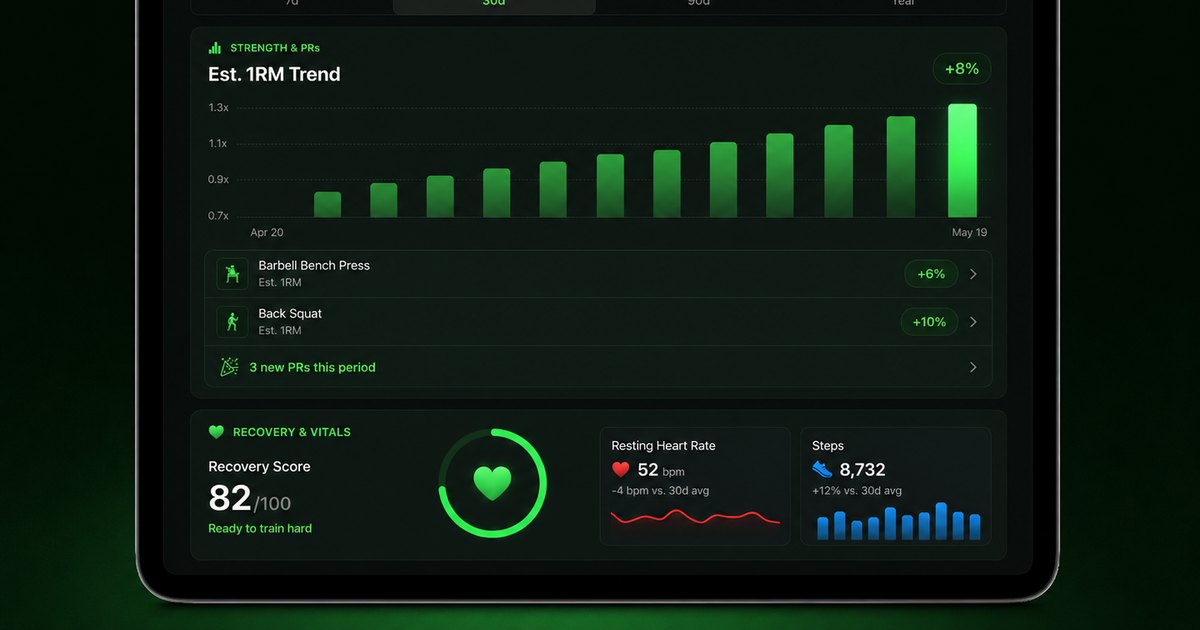


Budy builds its exercise library with structured data that powers intelligent plan generation.
More than a video library
Most exercise libraries are just video collections with a name and a muscle group label. Budy goes deeper. Each exercise is a structured data object with over 40 fields that the AI uses when building your plan.
This includes measurement type (reps, time, distance, weight, or calories), default set and rep ranges, rest times, tempo guidance, whether the exercise is unilateral, whether it requires weight, space requirements, and estimated calories per minute. This data is what allows the AI to build intelligent, balanced programs.
Progressions and regressions for every level
Every exercise includes a progression path — harder variations for when you are ready to advance, and easier regressions for when you need to scale back. This is how Budy keeps your plan appropriate as your fitness level changes.
The library also includes exercise modifications for specific limitations and alternative exercises based on equipment availability. If your plan calls for a cable fly but you are training at home, the alternative might be a resistance band fly or dumbbell fly depending on what you have.
Frequently asked questions
How many exercises does Budy have?
The exercise library is continuously growing, with each exercise carrying over 40 data points including videos, muscle maps, and safety data.
Does every exercise have a video?
The majority of exercises include video demonstrations in multiple quality levels, plus written instructions and safety tips.
Can I search exercises by muscle group?
Yes. Exercises are mapped to primary and secondary muscle groups for targeted searching.
Does the library include exercise alternatives?
Yes. Every exercise includes progressions, regressions, variations, and equipment-based alternatives.
Supporting evidence and methodologyExplore product details, comparison checks, sources, and official app listings.
Published by Budy. Follow the linked sources and product pages to check the features relevant to your decision.
Why Budy fits this need
Every exercise in Budy is a rich data object, not just a name and a video clip.
Muscle targeting data
Every exercise maps primary and secondary muscle groups, so you know exactly what each movement trains.
Progressions, regressions, and alternatives
Each exercise includes harder progressions, easier regressions, variations, and equipment-based alternatives.
Safety and contraindication data
Exercises carry contraindication data, safety tips, and common mistakes so the AI avoids prescribing movements that conflict with your health profile.
What shapes your Budy plan
- Fitness level for difficulty filtering
- Available equipment for relevance
- Muscle groups of interest
- Movement restrictions for contraindication filtering
- Video quality preference
Who Budy helps here
Users who want to understand their exercises — what they target, how to progress, and when to modify.
- Beginners learning exercises
- Coaches researching movements
- Users wanting to understand their plan
- People looking for exercise alternatives
- Fitness enthusiasts exploring new movements
Where this topic fits
Equipment, Location, and Exercise Library
Pages about exercise videos, equipment-aware plans, gym or home context, exercise library data, muscles, movement guidance, and exercise demonstrations.
Browse the Equipment, Location, and Exercise Library topic hubHow these features work in Budy
What each part does for you, and where to see more.
Exercise demonstrations alongside your workout
Available exercise videos sit alongside written guidance, alternatives, and workout tracking so you can understand the movement before logging a set.
- Open an exercise to review its available demonstration, instructions, equipment, and alternatives.
- Keep sets, reps, weight, time, rest, and notes connected to the session you are following.
- Download supported videos before going offline. Not every exercise has a video, and a demonstration is not a live form assessment.
Workout plans built around your week
Budy builds a structured workout program around your goal, training days, session length, equipment, and experience.
- Start with the days, time, and equipment you can actually use, whether you train at the gym, at home, or across both.
- Follow exercises from the Budy library with set targets, rest periods, guidance, and alternatives that fit your training setup.
- Add any limits when you set up your plan, and the program is built around them. It’s fitness planning, not a medical assessment.
Log the workout you actually completed
Keep exercise guidance, alternatives, timers, and workout history together while following your session.
- Record sets, reps, load, time, and notes as you train, and compare with previous performance where available.
- Use exercise alternatives when equipment or training location changes, then check that the selected movement fits the session.
- Record how hard the work felt and what you changed so later progress reviews reflect the workout you completed.
Get the app
Get Budy on your phone
Free to download on iPhone and Android. Look for Budy: AI Fitness Coach.
iOS app
App Store
For iPhone, iPad and Apple Watch.
Android app
Google Play
For Android phones and Wear OS watches.